Author name: shahalpt

SEO for Beginners
Uncategorized

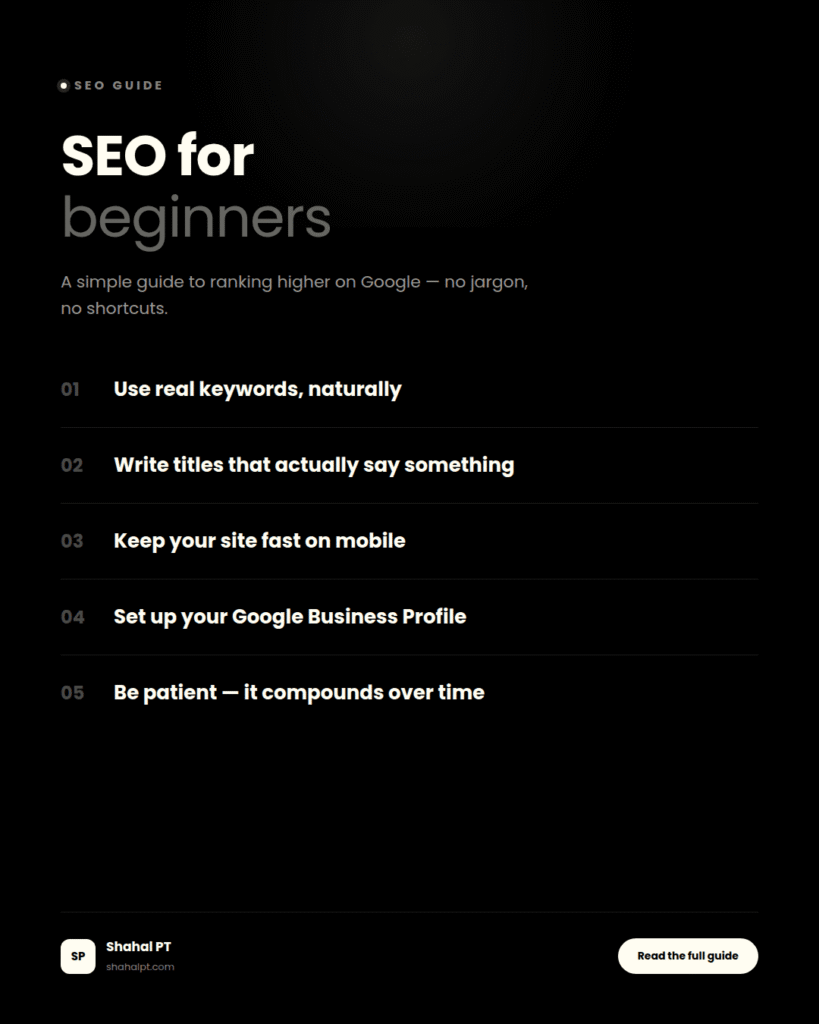
SEO for beginners

Blog SEO for Beginners: A Simple Guide to Ranking Higher Shahal PT August 9, 2026 6 min read The first time someone asked me to “do SEO” for their business, I genuinely didn’t know where to start. I’d read the term everywhere, nodded along in meetings like I understood it fully, and then went home and spent an entire evening trying to figure out what I’d actually agreed to do. That was years ago now, but I still remember how unnecessarily complicated everyone made it sound. Turns out most of SEO isn’t complicated at all. It’s just unfamiliar until someone walks you through it once, properly, without the jargon. So this is genuinely a straightforward guide to SEO for beginners — explained the way I wish someone had explained it to me back then. What SEO Actually Is, Minus the Jargon SEO stands for search engine optimization, which is a fancy way of saying: making your website easier for Google to understand and trust, so it shows up when someone searches for something related to what you offer. That’s genuinely most of it. Google’s job is to give people the most useful, relevant answer to whatever they typed in. SEO is just the process of making sure your website is a strong candidate for that job, for the searches that actually matter to your business. I think a lot of beginners get intimidated because SEO gets talked about like some mysterious algorithm-hacking skill. It isn’t. It’s closer to organizing a shop properly — clear signage, things where people expect to find them, and a good enough reputation that people trust what’s inside. Why This Matters More Than People Think If you run a business and you’re not showing up when people search for what you do, you’re invisible to a huge chunk of potential customers — the ones who didn’t already know your name and went looking instead. Paid ads can fill that gap temporarily, but the moment you stop paying, that visibility disappears. Good SEO keeps working in the background long after you’ve stopped actively thinking about it. I’ve watched small businesses here in Calicut go from basically invisible on Google to being the first result for searches that actually bring in customers — not overnight, but steadily, over a few months of doing the fundamentals properly. That’s the real appeal of learning SEO for beginners: it compounds. Every bit of solid work you put in keeps paying off long after you’ve moved on to the next thing. The Basics That Actually Matter Keywords aren’t a trick, they’re just word choice A keyword is simply the phrase someone types into Google. If you run a bakery in Koduvally, “birthday cake delivery Koduvally” is a keyword. The goal isn’t to stuff that phrase everywhere unnaturally — Google’s gotten far too smart for that trick to work anymore, and it just makes your writing sound robotic. The goal is to genuinely use the words your customers would actually type, naturally, in your page titles, headings, and content. Your page titles matter more than you’d guess The title of a page is one of the strongest signals Google uses to understand what that page is about. A vague title like “Home” or “Our Services” tells Google almost nothing. Something like “Wedding Photography in Calicut | Shahal Studios” tells both Google and the person searching exactly what they’re going to find. Content quality still wins, even with all the algorithm changes I know it sounds almost too simple, but genuinely useful, well-written content that actually answers what someone’s searching for consistently outperforms thin, generic pages stuffed with keywords. Write for the actual person reading it first. The SEO side follows from that, not the other way around. Site speed and mobile-friendliness aren’t optional anymore A slow website loses people before they even see what you offer, and Google notices that too — it factors loading speed and mobile experience into rankings directly. Most site builders and WordPress themes have decent built-in options for this now, but it’s worth actually checking rather than assuming your site’s fine. Local SEO Deserves Its Own Mention If you’re a local business — and most people reading a guide on SEO for beginners probably are — a few things matter disproportionately more than the general advice: Set up your Google Business Profile properly, with accurate hours, photos, and your service area filled in completely. This alone can do more for local visibility than almost anything else on this list, and it’s free. Get actual reviews from actual customers. A handful of genuine Google reviews carries more weight for local search than most people realize, and it also just makes people trust you before they’ve even visited. Mention your actual location naturally in your content, not just crammed into a footer. If you’re based in Kozhikode, say so in your page copy where it fits naturally, not as an obvious keyword dump. Backlinks: The Part Nobody Explains Well A backlink is just another website linking to yours. Google treats these somewhat like votes of confidence — if other reasonably trustworthy sites are linking to you, that signals you’re probably worth trusting too. For beginners, don’t overthink this one. Getting listed on relevant local directories, having past clients mention you on their own site if they have one, and occasionally being featured on blogs related to your industry will get you further than any complicated backlink strategy. Quality matters far more than quantity here — one link from a genuinely relevant, respected site beats fifty from random low-quality ones. Mistakes I See Beginners Make Constantly These come up so often with anyone new to SEO for beginners guides that they’re worth calling out on their own. Expecting results in two weeks. SEO genuinely takes months to show its full effect, and giving up right when it’s starting to work is one of the most common and most frustrating mistakes I see. Writing content stuffed with keywords instead of actually

how to build personal branding on linkedin
Uncategorized

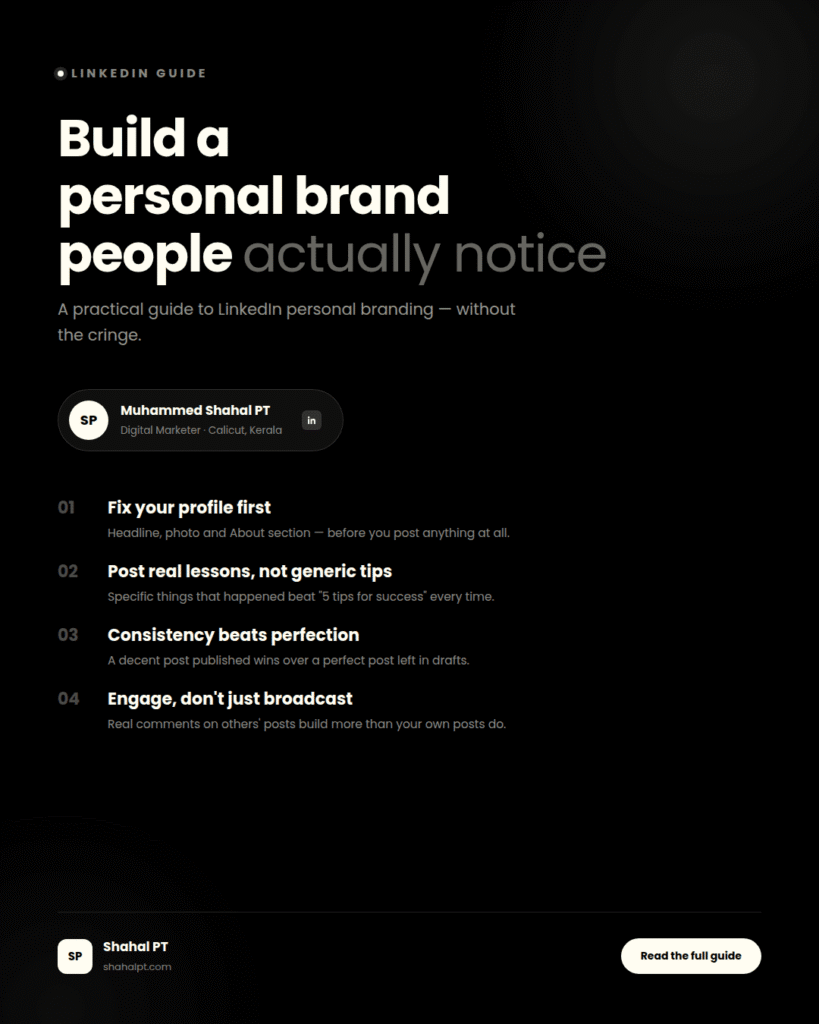
How to Build PersonalBranding on LinkedIn

Blog How to Build Personal Branding on LinkedIn Shahal PT August 9, 2026 6 min read I used to think How to Build personal branding on LinkedIn meant posting motivational quotes over a sunset photo and hoping people took you seriously. For a long time I avoided the platform entirely because of that — it felt performative, like everyone was playing a slightly cringey character version of themselves. Then a client asked me to help set up her profile before a big pitch meeting, and going through that process properly changed my mind completely. A well-built LinkedIn presence isn’t about sounding like a motivational poster. It’s closer to a portfolio that happens to talk back — one that shows up when someone Googles you, when a potential client checks you out before a call, or when a recruiter is deciding who to message first. So here’s what I’ve actually learned works, from doing this for myself and for clients, minus the cringe. Why Personal Branding on LinkedIn Actually Matters If you’re a freelancer, a small business owner, or genuinely anyone whose work depends on people trusting you before they’ve met you, personal branding on LinkedIn is one of the highest-leverage things you can spend an hour a week on. Someone considering hiring you or working with your business will very likely look you up first. What they find in those thirty seconds either builds trust or quietly kills it. I’ve had clients reach out specifically because of something I posted on LinkedIn months earlier — not because they were actively looking, but because it stuck in their head when they eventually needed a digital marketer. That’s the real value of building personal branding on LinkedIn. Not virality. Just being the person someone remembers when the moment comes. Start With the Profile, Not the Posts Most people jump straight to “what should I post,” but your profile is doing work every single day whether you post or not. Get this right first. Your headline isn’t your job title “Digital Marketer” tells people almost nothing. “Helping small businesses in Kerala grow through SEO and social media” tells them exactly who you help and how. Mine changed maybe four times before it actually felt right, and honestly it’ll probably keep evolving. Your photo should look like you, on a normal day Not a heavily filtered studio shot that looks nothing like you in person. People connect with faces, and a photo that feels approachable does more work than a technically “professional” one that feels distant. The About section is where people decide to keep reading or not Write it like you’re explaining what you do to someone at a coffee shop, not like you’re filling out a corporate bio template. I rewrote mine three times before it stopped sounding like every other About section on the platform. Content: The Part Everyone Overthinks Here’s something that took me a while to accept — you don’t need to post every day, and you definitely don’t need a fancy content calendar app to do this well. What actually moved the needle for me was posting consistently, even if that meant twice a week, about things I genuinely had an opinion on. A few formats that consistently work, in my experience: Actual lessons from actual work. Not generic advice — specific things that happened. A campaign that didn’t go the way you expected, and what you learned from it. That’s more interesting and more credible than “5 tips for social media success,” which everyone’s read a hundred versions of already. Opinions, even slightly unpopular ones. Posts that just restate obvious industry wisdom get scrolled past. A genuine, specific opinion — even something small, like why you think a certain marketing trend is overrated — tends to get people actually engaging instead of just liking and moving on. Behind-the-scenes stuff. People are more curious about the process than the polished result. A quick note about how you approached a client’s problem is often more interesting than the final case study. What I’d genuinely avoid: reposting generic motivational content, engagement-bait questions with no real substance behind them, and anything that sounds like it was written to please an algorithm rather than to say something you actually think. People can tell the difference, even if they can’t always explain why. Consistency Matters More Than Perfection I’ll admit this is the part I still struggle with sometimes. It’s easy to post three times in one enthusiastic week and then vanish for a month. What actually builds personal branding on LinkedIn over time is showing up reasonably regularly, even when a post isn’t your best work. A decent post published is worth infinitely more than a perfect post sitting in your drafts folder for three weeks because you keep tweaking the wording. I’ve learned to just publish and move on, rather than obsessing over every sentence. Engagement Goes Both Ways This part gets skipped constantly, and it’s honestly one of the bigger mistakes I see. People treat LinkedIn like a broadcast channel — post, wait for likes, repeat — instead of an actual conversation. Commenting genuinely on other people’s posts, especially people in your own industry or your target audience, does more for your visibility than most people realize. Not generic “Great post!” comments — an actual thought, a question, a bit of pushback if you disagree. That’s where real relationships on the platform actually start, and where opportunities tend to come from more than the posts themselves. Mistakes I See People Make Constantly Treating LinkedIn like Instagram, with overly casual content that doesn’t fit the context people are in when they’re scrolling it. Going completely silent for months and then wondering why nobody engages when they finally post again. Writing every post like a corporate press release, with zero personality showing through anywhere. Only posting about their own achievements, never anything that offers value or a genuine opinion to the people reading. Connecting with hundreds of people and never actually

Best AI Tools for Digital Marketers
Uncategorized

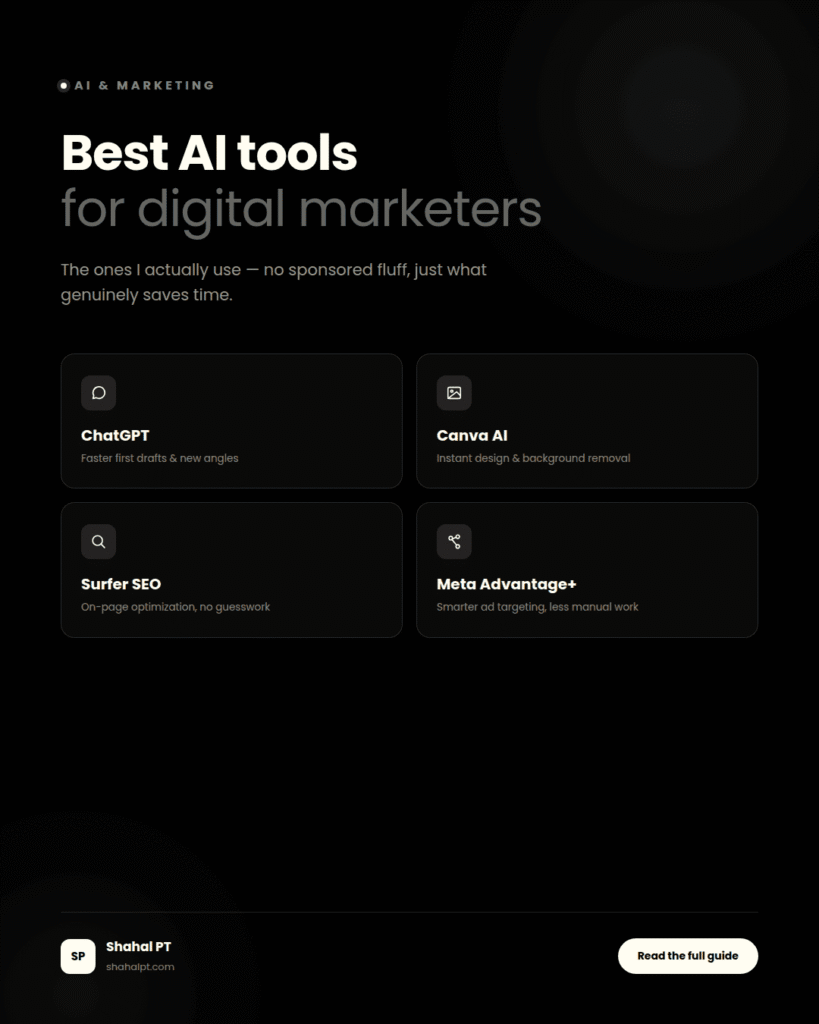
Best AI Toolsfor Digital Marketers

Blog Best AI Tools for Digital Marketers Shahal PT August 9, 2026 6 min read I’ll be honest — a year ago I was pretty skeptical about AI tools for digital marketers. It felt like every second post on LinkedIn was some guy claiming ChatGPT had “10x’d” his agency, and most of it sounded like marketing for the marketing tools themselves. So I ignored the whole thing for longer than I probably should have. Then one week I had three client deadlines stacked on top of each other, and out of sheer desperation I actually sat down and tested a few tools properly instead of just skimming reviews. Some were genuinely useful. Some were a waste of a subscription. This post is the honest version of that — not a sponsored list, just what I actually reach for on a normal working week. Why This Actually Matters Now Digital marketing has always been about doing a dozen things reasonably well at once — writing, designing, analyzing, posting, adjusting. AI tools for digital marketers don’t replace any of that thinking, but they take a real bite out of the repetitive parts, which frees up time for the stuff that actually needs a human brain — strategy, understanding a client’s actual audience, knowing when something just feels off even if the data looks fine. The businesses I work with in Calicut aren’t hiring five-person marketing teams. A lot of the time it’s just me, or me and one designer. So the tools that save real hours matter a lot more here than they might at a big agency with people to spare. Content Writing and Copy ChatGPT Still the one I open first, most days. Not to write finished copy — I’ve tried that, and it reads exactly like what it is, generic and a bit hollow. What it’s genuinely good for is getting past a blank page. I’ll dump a rough brief in, get back three angles I hadn’t thought of, and then rewrite the actual copy myself in a voice that sounds like an actual person. Used that way, it probably saves me thirty to forty minutes on every blog post or ad copy draft. Jasper Does something similar but leans harder into brand-voice templates, which is genuinely handy if you’re managing multiple clients and need to keep each one sounding distinct. I don’t use it as often as ChatGPT, mostly because of the price, but for an agency juggling several brand voices at once it’s worth a look. Design and Visuals Canva’s AI features The Magic Design and background remover especially have quietly become part of my daily workflow without me even thinking of them as “AI tools” anymore. Background removal used to eat ten minutes in Photoshop for something simple; now it’s basically instant. For quick social media graphics on a tight deadline, this is the one I’d keep if I had to give up every other tool on this list. Midjourney A different story — genuinely impressive output, but it takes real practice to get consistent, on-brand results out of it. I use it occasionally for concept mockups or moodboard-style visuals, not for anything that goes straight into a client deliverable. It needs a human eye editing the output every single time. SEO and Research Surfer SEO has become a proper part of how I write anything meant to rank. It’s not magic — it won’t write good content for you — but it takes a lot of the guesswork out of on-page optimization, showing you what’s actually working for pages currently ranking for a keyword. I run most of my client blog posts through it before publishing, including this one. For quick keyword brainstorming, I still just ask ChatGPT for related search terms and questions people might be typing in, then cross-check the promising ones against Google’s own autocomplete and “People also ask” boxes. Not glamorous, but it works, and it’s free. Social Media and Ads Meta’s Advantage+ targeting has actually gotten noticeably better over the past year. I used to distrust it and build every audience manually, but for a lot of straightforward campaigns, letting Meta’s AI find the audience now genuinely outperforms my manual guesswork — which was a slightly humbling thing to admit to myself. For scheduling and caption ideas, tools like Buffer now bake in some AI suggestion features too. I don’t lean on the caption suggestions much — they tend to sound like every other brand’s captions — but the scheduling side alone is worth it if you’re managing more than one client’s social calendar. Where AI Tools Genuinely Fall Short Here’s the part most “best AI tools” posts skip over, and it’s the part that actually matters most. AI is bad at knowing your specific client’s audience the way you do after actually talking to them. It doesn’t know that a particular joke would land badly with a conservative local audience, or that a competitor already ran the exact same campaign idea last month. It doesn’t know your client’s actual voice unless you’ve fed it a lot of real examples first, and even then it drifts. I’ve seen brands publish content that was obviously AI-written — same rhythm, same overused phrases, same weirdly upbeat tone regardless of topic — and it genuinely hurts trust once people notice. And people do notice, more than marketers like to admit. The way I think about it now: AI tools for digital marketers are best used as a faster first draft, a research shortcut, or a way to skip the boring, repetitive parts of the job. The actual thinking, the actual voice, the actual judgment about what a specific brand should say — that part still has to come from a person who’s paying attention. How I’d Suggest Starting Don’t try to adopt five tools at once. Pick whatever part of your workflow eats the most time right now — writing, design, scheduling, whatever — and test one tool against that specific pain

facebook ads for beginners
Uncategorized

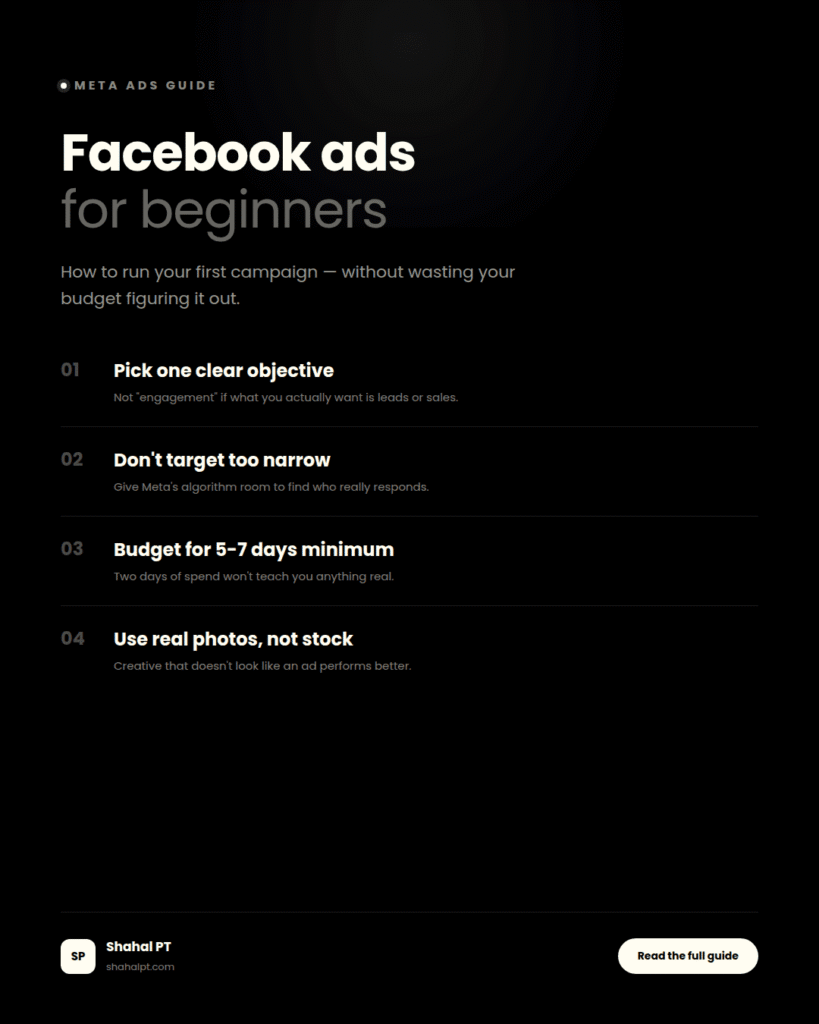
Facebook Ads for Beginners:How to Run Your First Campaign

Blog Facebook Ads for Beginners: How to Run Your First Campaign Shahal PT August 9, 2026 7 min read A few months back, a client messaged me at almost midnight, pretty frustrated. She’d spent close to ₹3,000 on Facebook ads over two days for her home bakery, got four likes and zero orders, and was ready to write off ads entirely. “It just doesn’t work for small businesses,” she said. It wasn’t the platform. It was the setup. No clear goal, targeting that was way too broad, and an ad creative that looked like it was trying to sell to literally everyone in Kerala at once. Once we fixed those three things — just those three — the same budget started bringing in actual orders within a week. I bring this up because if you’ve been avoiding running your first ad because Ads Manager looks like the cockpit of a plane, you’re not wrong that it’s confusing. But most of what trips people up isn’t complicated once someone actually shows you where to look. So that’s what this is — Facebook ads for beginners, written the way I wish someone had explained it to me the first time. Quick thing first: Facebook ads or Meta ads? Same thing. Meta renamed the company a while back, so technically you’re using Meta Ads Manager now. But the ads still run on Facebook, Instagram, and Messenger, and honestly most people — myself included, most days — just keep calling them Facebook ads out of habit. You’ll see both terms in this post. Don’t overthink it. What they actually are: paid posts that show up in someone’s feed based on who you tell Meta you want to reach. Age, location, interests, whether they’ve visited your website before. That targeting is the whole point, really. It’s the difference between a billboard that everyone driving past ignores, and an ad that only shows up for people who might genuinely care. Why bother, if you’re a small business? Because you can start small. That’s the honest answer. You don’t need a huge budget to test whether this works for you — you can run something for a week, see what happens, and adjust before you’ve spent anything close to what a print ad or a local radio spot would cost. The catch is that “starting small” only works if you actually set things up properly first. Otherwise you’re just doing what my bakery client did — burning through a budget without giving yourself a fair test. Okay, let’s actually set one up Here’s roughly how I’d walk a client through their first campaign, step by step. Get your Meta Business Suite sorted first This is different from your personal Facebook login — it’s the business hub everything runs through. If you already have a Page, this takes maybe ten minutes. Annoying ten minutes, but ten minutes. Pick one objective and be honest about it Meta gives you a list — awareness, traffic, engagement, leads, sales, messages. A lot of first-timers pick “engagement” because it sounds safe, when what they actually want is people calling or messaging them. If that’s you, pick the objective built around that, not likes. The objective you choose changes who Meta shows your ad to, so this matters more than almost any other setting. Think about your audience before you touch the targeting screen This is where I’ve seen the most money wasted, genuinely. People open the targeting options and start clicking interests before they’ve even asked themselves who actually buys what they’re selling. Sit with that question for five minutes before opening Ads Manager at all. And when you do get to targeting — resist narrowing it down too much. I get why it feels smart to target “women, 25-34, interested in organic skincare, living within 5km.” But Meta’s algorithm needs room to find who actually responds, and an audience that tiny often means your campaign never leaves what’s called the learning phase. Start a bit broader than feels comfortable. Give it a budget that can actually teach you something ₹200 a day for two days won’t tell you anything meaningful — that’s basically what happened to my bakery client. I usually tell people: pick a modest daily budget you’re comfortable with, but commit to at least five to seven days before judging it. The algorithm needs that runway. Make creative that doesn’t look like an ad This is the part people underestimate most, and it’s honestly where the biggest wins are. Real photos beat stock images almost every time. A phone video of your actual product or actual workspace tends to outperform a polished graphic. Write the copy the way you’d text a friend about it, not the way a brochure talks. And whatever you promise in the ad, make sure the page someone lands on actually delivers that — mismatched expectations kill conversions fast. Then leave it alone for a bit I know this is the hardest part.in meta ads Once it’s live, don’t touch it every hour refreshing the numbers. Meta needs a short window to learn who’s responding, and editing the campaign constantly during that window basically resets the clock. Give it a few days. Then look at the actual numbers, not your gut feeling. Facebook or Instagram — do you have to pick? Not really, and this is one of the genuinely nice things about the platform. When you set up placements, you can let Meta run the ad across both Facebook and Instagram automatically, and it’ll shift spend toward whichever performs better for you. If what you’re selling is very visual — food, fashion, design, anything that photographs well — Instagram often pulls slightly harder.in meta ads If you’re going after an older or more local, community-based crowd, Facebook still holds its own. For a first campaign, I’d just let it run across both and check the placement breakdown afterward rather than guessing upfront. So… how much does this actually cost? I wish I had

Scroll to Top