
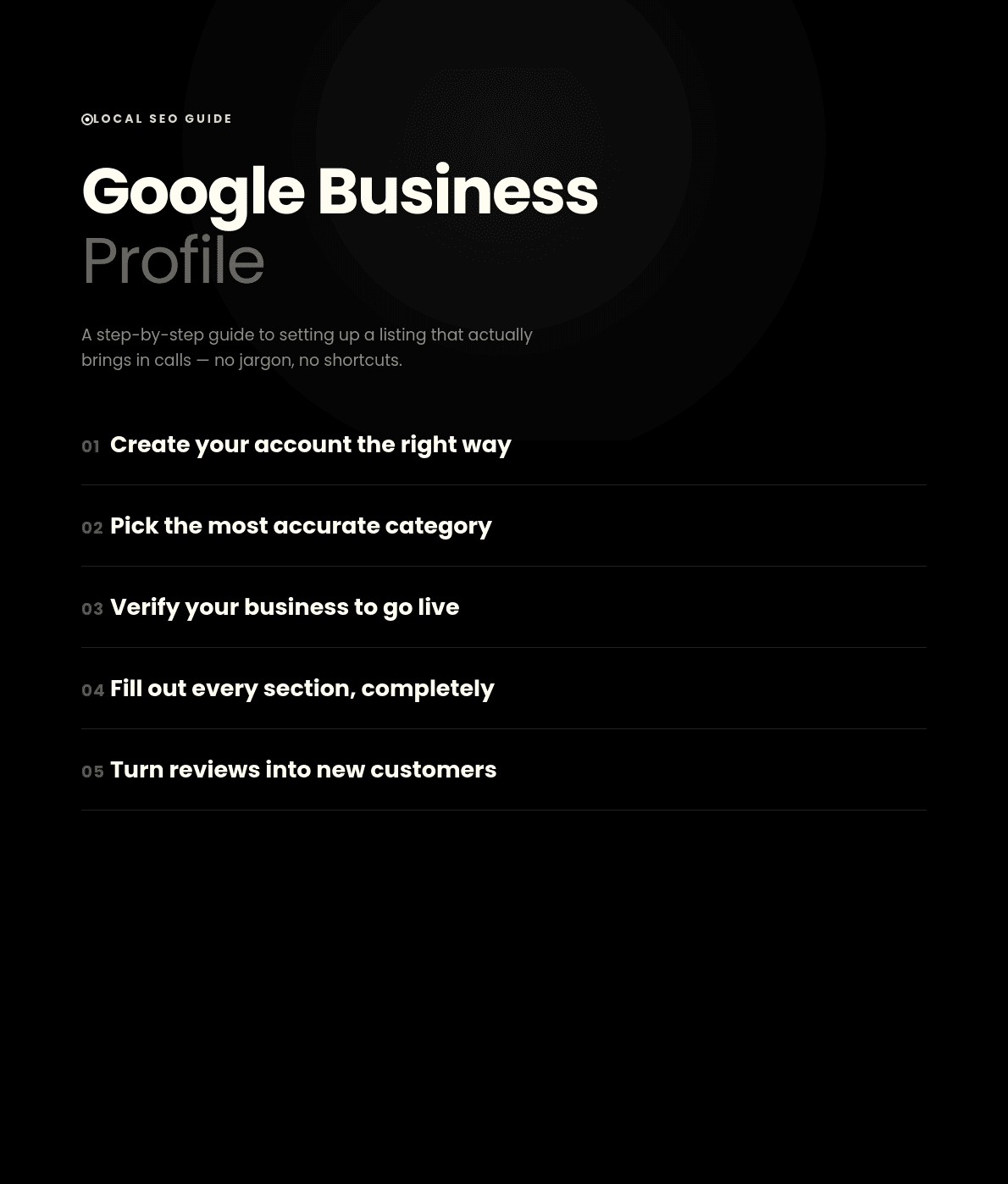
How to Set Up a Google Business Profile
That Actually Converts
If you've searched for how to create a Google My Business account, you've probably noticed the name is a little confusing right now. Google rebranded "Google My Business" to "Google Business Profile" a while back, but almost everyone — including most of my clients here in Calicut — still calls it Google My Business out of habit. Same free tool, just a new name.
In this guide, I'll walk you through exactly how to create a Google My Business account step by step, and more importantly, how to set it up so it actually brings in calls and customers instead of just sitting there looking pretty.
Why This Free Listing Matters
When someone searches "cafe in Calicut" or "digital marketer near me," the map pack above the regular search results is pulled almost entirely from Google Business Profile listings. Skip it, or leave it half-finished, and you simply don't exist in that space — no matter how good your website is.
I've watched businesses with gorgeous websites get outranked by a messier site with a complete, active profile. That's how much weight this one free tool carries, which is exactly why so many owners search how to create a Google My Business account before they've even finished their website.
Creating Your Account, Step by Step
Here's exactly how to create a Google My Business account, one step at a time.
Start in the right place
Go to google.com/business and sign in with the Google account you'll keep long-term, not a personal one you might lose. Click "Manage now."
Enter your exact business name
Resist stuffing keywords into the name field — Google penalizes this and can suspend your listing. Use your real, legal name exactly as it appears on your signage and website.
Choose your category carefully
"Digital marketing agency" beats a generic "Marketing agency" if it's more accurate. You can add secondary categories later, but get the primary one right first.
Add your location or service area
Physical location? Add your exact address, matching your website down to abbreviations. Work from home or travel to clients? Hide your address and set a service area instead.
Add matching contact details
Use the same phone number that's on your website footer. Mismatched contact details across your site and listing quietly damage your local rankings over time.
Verify your business
Postcard, phone, email, or sometimes instant verification. An unverified listing won't show up in search or maps, no matter how complete the rest of your profile is.
The Part Most People Skip: Making It Convert
Knowing how to create a Google My Business account is only half the job. I've audited plenty of listings that were technically "set up" but doing nothing for the business behind them.
Fill out every section
Hours, services, attributes — every blank field is trust you're giving up. Complete profiles consistently get more calls than partial ones.
Add real photos, regularly
Listings with photos get far more direction requests and website clicks. Add new ones every few weeks — interior shots, your team, finished work. Skip stock photos; they're obvious and they hurt.
Write a human description
Say clearly what you do and for whom, in plain language, no corporate buzzwords. "We help small businesses in Calicut get found on Google" beats "Leading provider of comprehensive digital solutions" every time.
Turn on messaging and respond fast
Turn on direct messaging and reply within the hour. A profile that goes silent when messaged loses that customer to whoever answers first.
Collect and respond to reviews
Reviews are probably the single biggest factor in whether someone calls after finding you. Ask happy customers right after a good experience, and respond to every review — good or bad.
Use Posts like mini ads
The "Posts" feature works like a free social feed inside your listing. Posting regularly signals your listing is active and gives people a reason to click through.
Common Mistakes I See Constantly
Even after learning how to create a Google My Business account correctly, businesses undo their own progress. Stale holiday hours kill trust fast. Ignored Q&A sections let strangers answer on your behalf, often wrong. Fake reviews get whole profiles suspended — far worse than a slow, genuine start.
Frequently Asked Questions
Is it free to create a Google My Business account?
Yes, completely. Google earns from ads, not local listings, so creating a Google Business Profile costs nothing.
How long does it take to create a Google My Business account?
The form itself takes about fifteen minutes. Verification is what adds time — up to two weeks for postcard, same-day for phone or instant methods.
Do I need a website before I create a Google My Business account?
No. You can go live with zero website, using your Google Business Profile as a stand-in homepage until you build one.
Can I create a Google My Business account for a home-based business?
Yes — hide your address and set a service area instead of a public location, so your home address is never displayed.
Can I create more than one Google My Business account for one business?
No. Google allows one listing per location, and duplicates usually get suspended. Multiple branches each need their own verified profile.
Final Thoughts
Knowing how to create a Google My Business account is a fifteen-minute task; making that profile actually convert is an ongoing one. Set it up properly today, then keep showing up — updated, responded to, and active every week.connect me https://shahalpt.com/
Want your Google Business Profile set up properly, start to finish?
I help small businesses handle the technical side of local SEO so you can focus on actually running your business.
Let's talk on WhatsApp